.png)


0
Comment
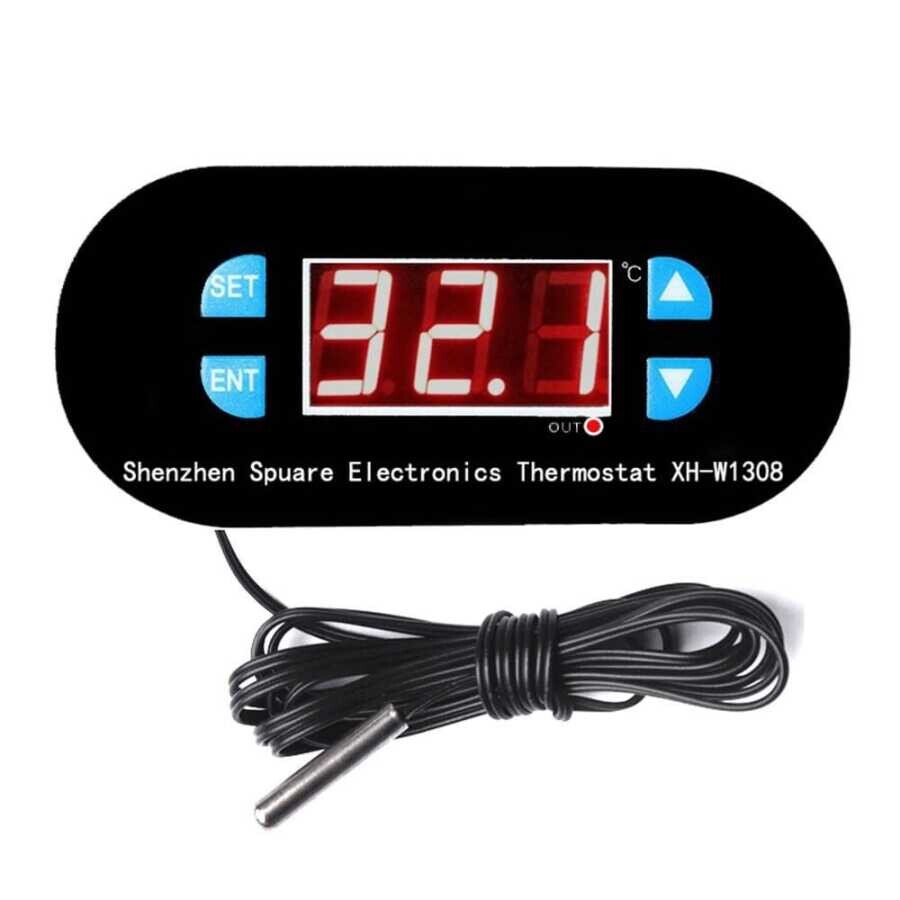
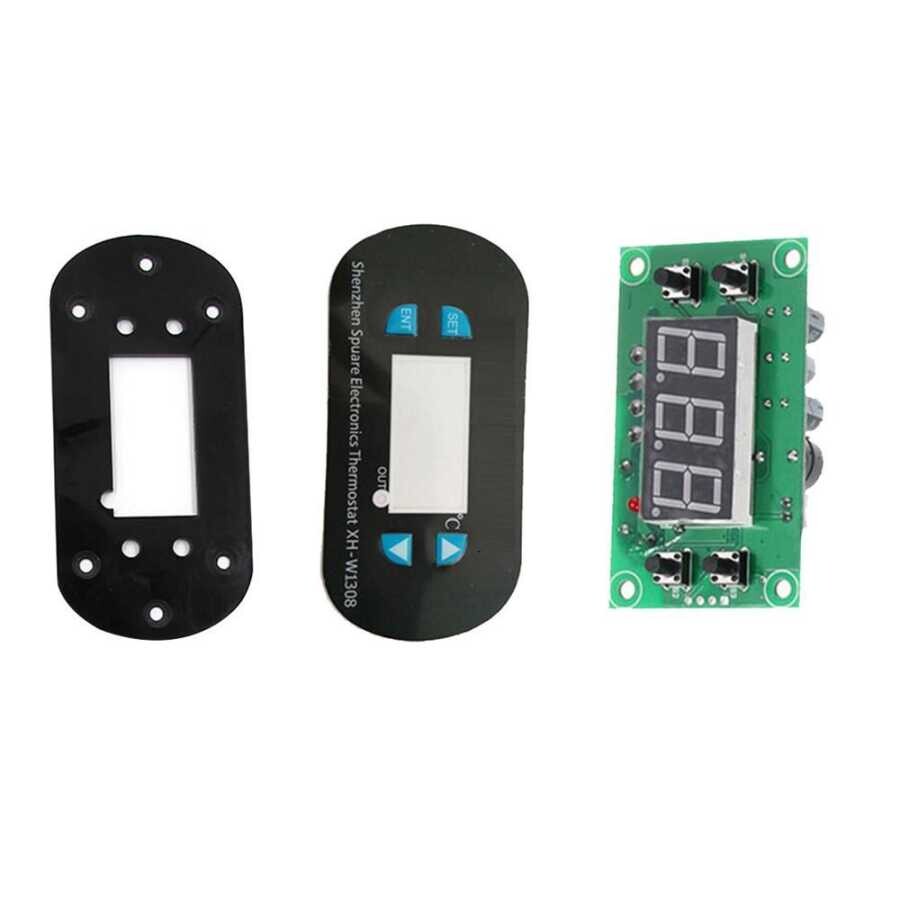
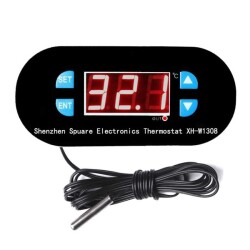
Digital Thermostat 28V Temperature Controller with Relay Output XH-W1308
Category:
Temperature and Humidity Adjustable Relay BoardsBrand:
MotorobitProduct code :
RLK.SCK.01.000043
275,00
TL
+
VAT
330,00
TL
Notify Me When It Arrives
275,00
TL
+
VAT
330,00
TL
Add to Favorite
RecommendCommentAlarm Price
Digital Thermostat 28V Temperature Controller with Relay Output
It is easily controlled using the buttons on it. This product works with 28V. If you want to operate it with 220V, we recommend our 220V model. -w1308">You can access it here https://www.motorobit.com/role-cikisli-dijital-termostat-220v-sicaklik-kontrollu
How to adjust the temperature?
When you turn it on, the actual temperature will be displayed; Press the “SET” button once, the display will flash and then
press the arrow (up or down) to set the temperature;
How to enter more SETTINGS ?
Long press "SET" (5s) to enter more settings, press "ENT" to confirm the last menu and return. In normal operation, long press may cause Shutdown; div>
PO: Working mode
If this is the first time you use this digital thermostat module, you should set it to “PO”; If operating for heating, set to “H”
, if operating for cooling, set to “G”;
P1: temperature range value
For example: Heating mode, temperature is 37℃ -40℃, then the value is 3.
P2-P3: To set the P4 thermostat temperature range
: Set the temperature error
This The function is to set the temperature error. If there is an error between the actual temperature and the tested temperature, you can use this function. Set value = tested value + set value. For example, we tested temperature 25.6℃, but actual
temperature is 25.8℃, set P4 to 0.2, final temperature is 25.6℃ + 0.2 = 25.8℃;
P5: Delayed start
This function is used for compressor cooling. If you want this device to use in the refrigerator, then this value
must be set. Adjust according to the return pressure of the compressor, usually 3-6 minutes; or
you don't need the delay function , please skip this set.
P6: High temperature alarm
When the actual temperature exceeds the set value, the message "HHH" appears on the screen and the buzzer sounds the alarm sound "di di di"
, also cuts off the output to protect the electrical circuit.
P7: Value lock . To prevent other people from changing the settings. After setting all values
, you can enter "P7" and set it to "On", then all values cannot be changed unless "P7" is entered again to set it "Off”;
P8: Recover to initialize all values.
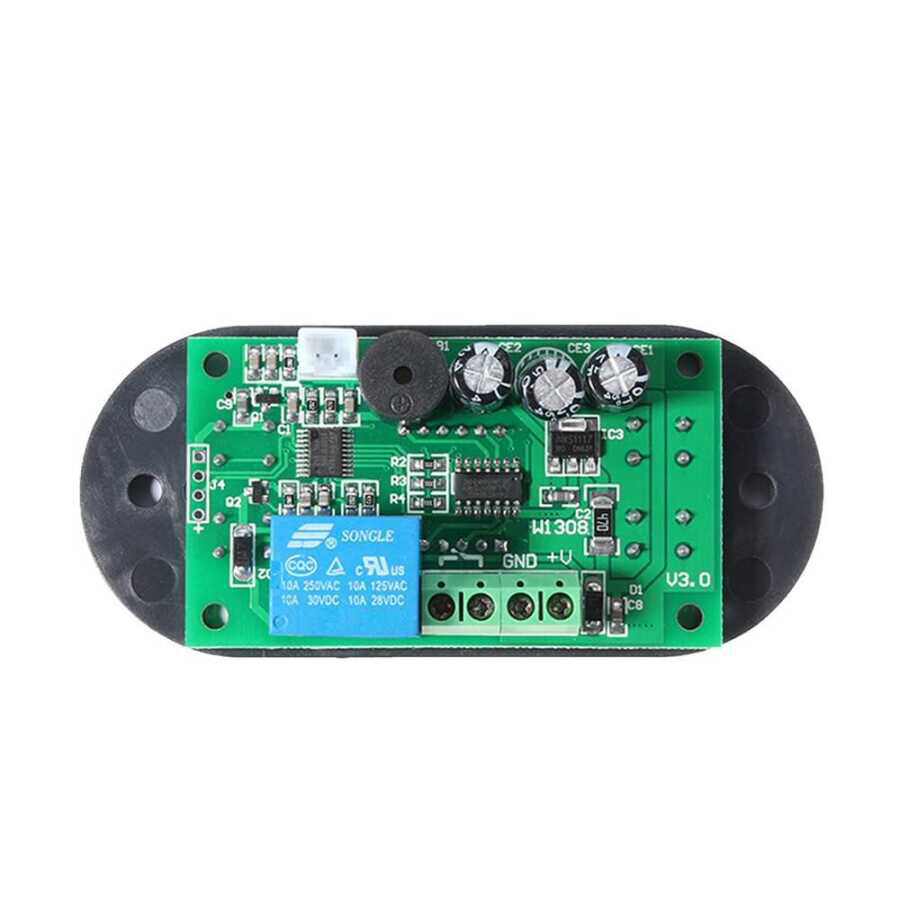
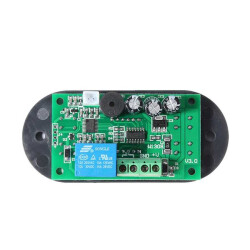
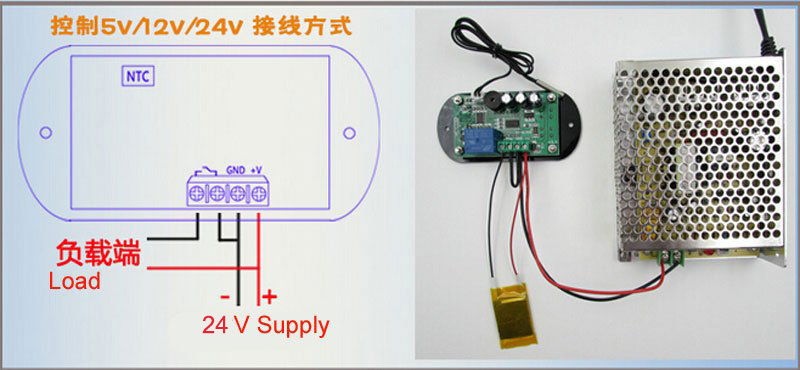
28V Wiring Diagram
SIMILAR PRODUCTS
200,00
TL
+
VAT
325,00
TL
+
VAT