.png)


0
Comment
ZK-PP2K 8A PWM Motor Speed Controller - Signal Generator
594,00
TL
+
VAT
712,80
TL
Notify Me When It Arrives
Notify Me When It Arrives
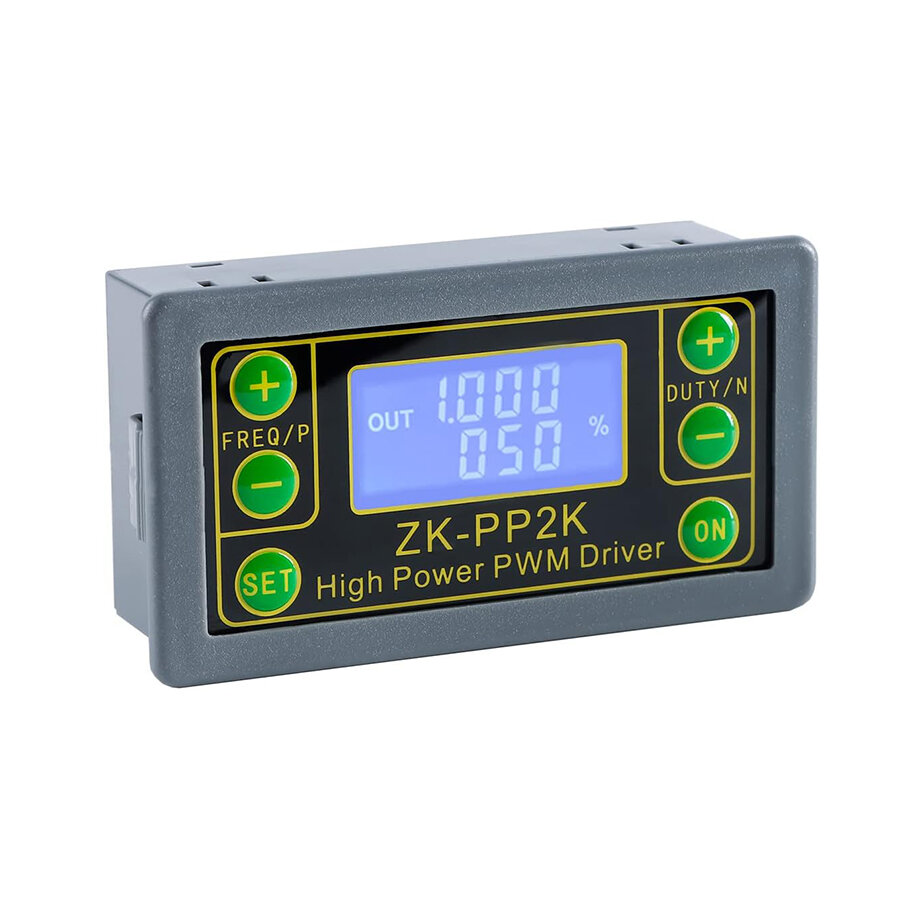
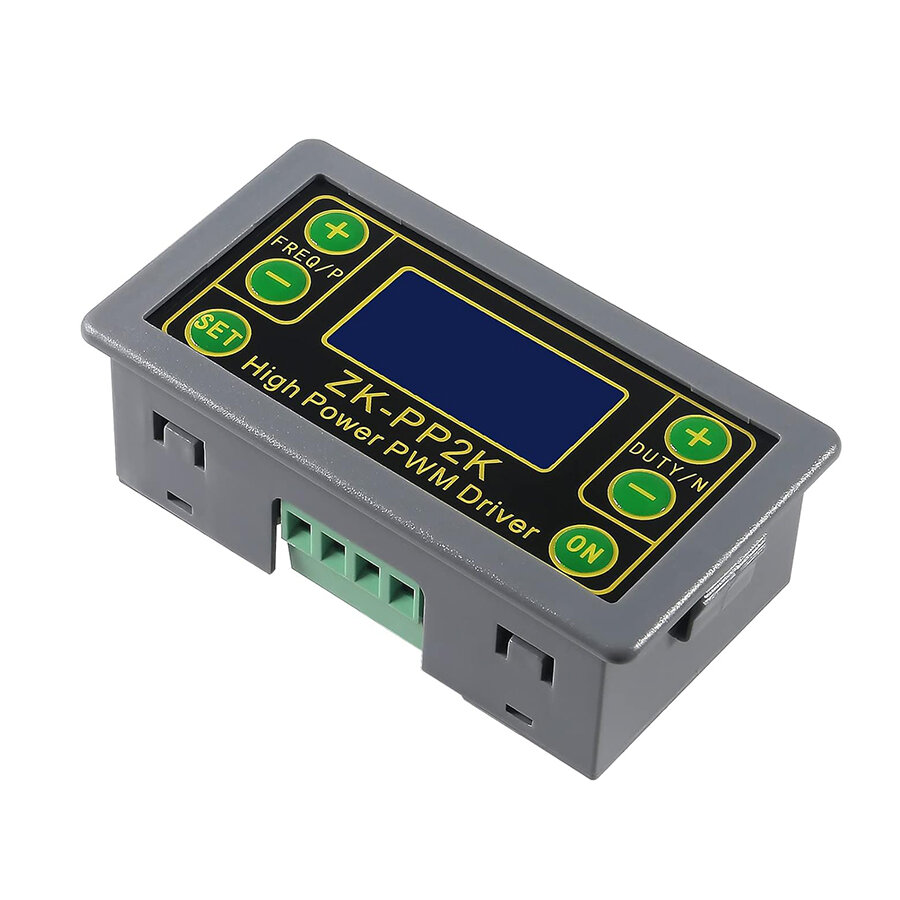
ZK-PP2K 8A PWM Motor Speed Controller - Signal Generator
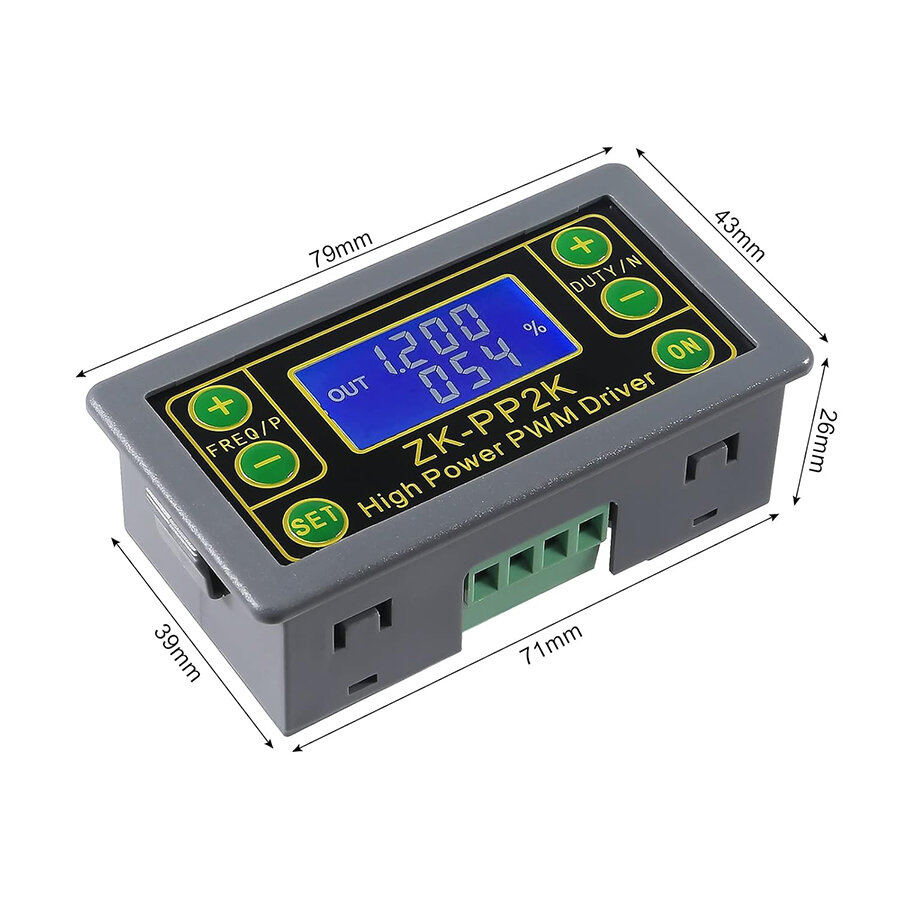
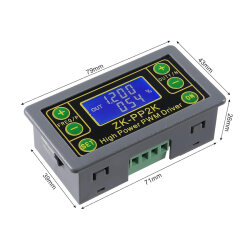
The ZK-PP2K 8A PWM Motor Speed Controller - Signal Generator is a device that provides electrical signals at various frequencies, square waves, pulses, and output levels. It is used as a signal source or excitation source for testing. It is widely used in manufacturing applications and technologies. Supports dual modes: PWM mode and PULSE mode.
Supports high current output and can be connected directly to the motor.
Features
- Dual modes: PWM mode and PULSE mode
- LCD high-resolution display
- Frequency adjustment support
- Duty cycle adjustment support
- High-precision detection
- Power-off memory function support
- 1-channel signal output
- Reverse protection support
Technical Specifications
- Model: ZK-PP2K
- Operating Voltage: 3.3-30V DC
- Frequency Range: 1Hz ~ 150KHz
- Frequency Accuracy: 2%
- Duty Cycle Range: 0% - 100%
- Output Current: 8A (max) (Not recommended for continuous use over 5A)
- Square Wave Signal Generator;
- Delay Time: 0.000s ~ 9999s
- Pulse Width: 0.000s ~ 9999s
- PWM Adjustment;
- Frequency Accuracy: 2%
- Time Accuracy: 1ms
- Operating Temperature Range: -20 ~ 85°C
- Dimensions: 79x43x26mm
Operating Modes
1. PWM Mode: Frequency, Duty Cycle
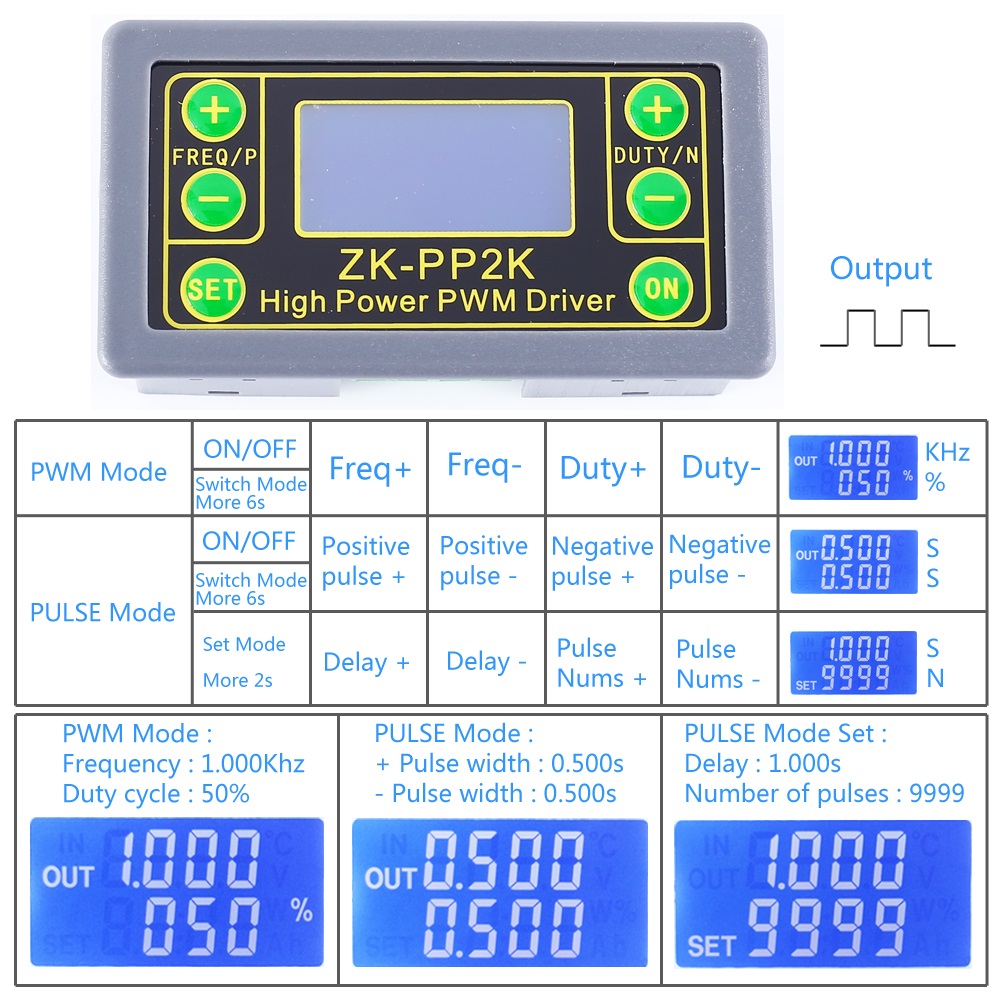
- PWM mode is displayed when % is displayed.
- The factory default mode is PWM mode.
- The FREQ+ and FREQ- buttons are used to adjust the output frequency. The user can press them briefly to set the value in minimum units or hold them down for continuous adjustment. The frequency range is from 1Hz to 150kHz.
- The DUTY+ and DUTY- buttons are used to adjust the output duty cycle for the frequency. The user can press them briefly to set the value in minimum units or hold them down for continuous adjustment. The duty cycle range is from 0.00% to 100%.
- To enable or disable the output, briefly press the "ON" button. When the "OUT" symbol appears on the left, the output is active. When the "OUT" symbol does not appear, the output is disabled and the module outputs 0V.
- The factory default frequency is 1kHz and the duty cycle is 50%. 1.7>. Change the operating mode: Press and hold the "SET" button for approximately 6 seconds. Then, if the "%" symbol disappears on the right, PULSE mode is entered.
2. Pulse Mode: Pulse Width, Delay, Pulse Count
- This is the PWM mode without the % symbol.
- The P+ and P- buttons are used to set the duration for the positive pulse width. It is displayed on the first line. The set time range is 0.000 to 9999 seconds.
- The N+ and N- buttons are used to set the duration for the negative pulse width. It is displayed on the second line. The set time range is 0.000 to 9999 seconds.
- To enable or disable the output, briefly press the "ON" button. When the "OUT" symbol is displayed on the left, the output is active. When the "OUT" symbol is not displayed, the output is disabled and the module outputs 0V.
- The factory default positive pulse width is 0.5 seconds and the negative pulse width is 0.5 seconds. 2.6>. To set the pulse count and delay time, long press the 'SET' button for 2 seconds. The 'SET' icon will appear in the lower left corner of the screen.
- Note: When this mode is entered, the output will be disabled and the output pulse will be cleared.
- The P+ and P- buttons are used to set the delay time. The setting range is 0.000sec ~ 9999sec.
- The N+ and N- buttons are used to set the pulse count. The setting range is 1~9999 or Infinity.
- The factory default delay time is 0 seconds, and the pulse count is infinite ('----' is displayed).
- You can automatically return to the pulse interface by pressing the 'SET' button for 2 seconds.
- After the set delay time, short press the 'ON' button and then start outputting the set pulse count. 2.12>. If the pulse count is sent, it will automatically output 0V. If the 'ON' button is pressed during output, the output will be disabled and the pulse counts will be cleared.
- Each time the module is powered on and subsequently stopped outputting, or when the 'ON' button is pressed to restart it, the set pulse count will be output.
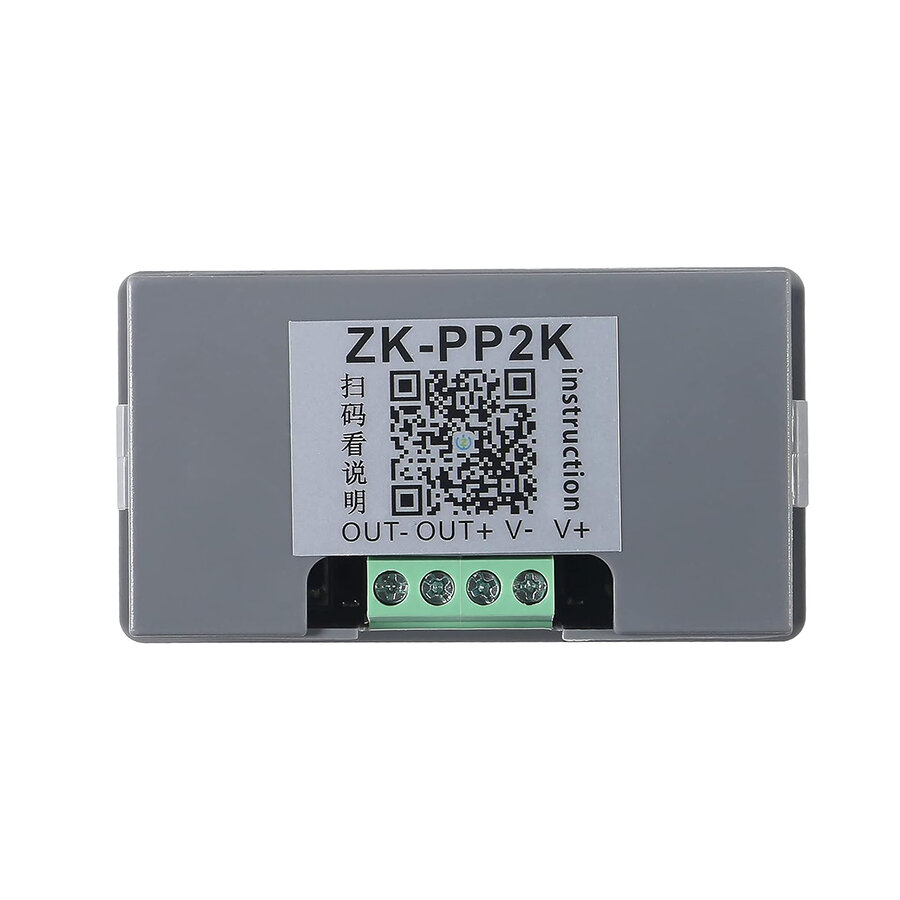
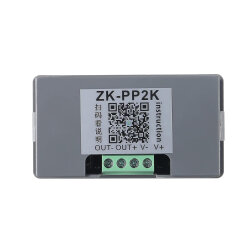
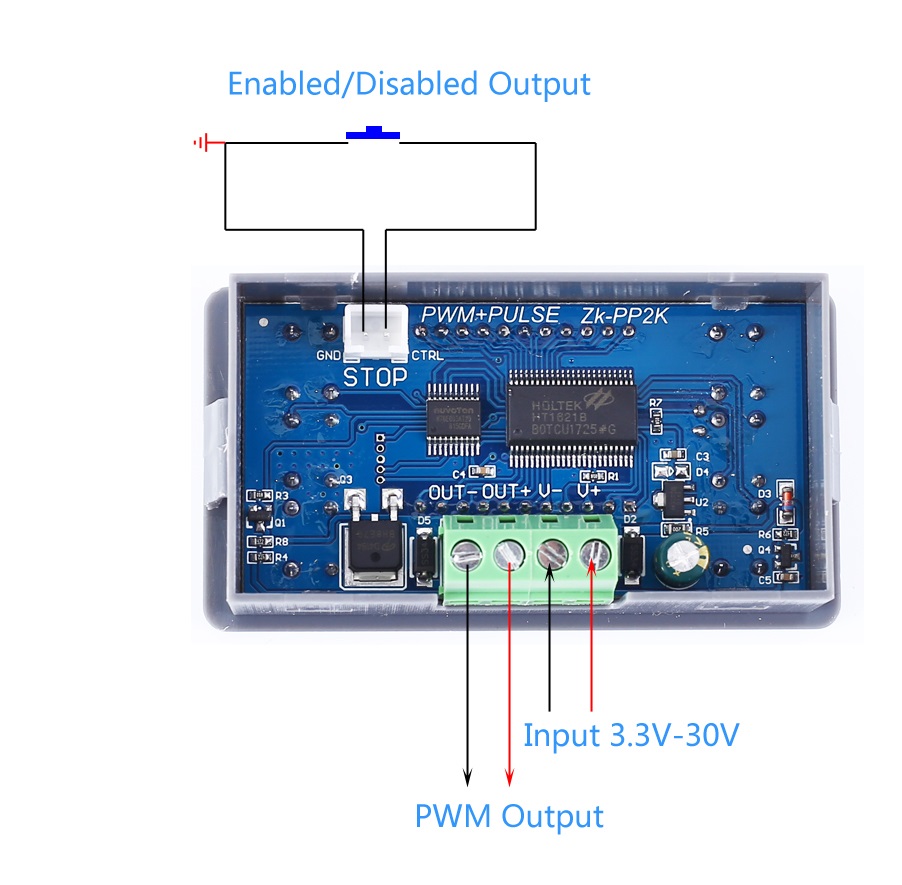
Connection
SIMILAR PRODUCTS
643,50
TL
+
VAT
495,00
TL
+
VAT
44,55
TL
+
VAT
198,00
TL
+
VAT
173,25
TL
+
VAT
113,85
TL
+
VAT
2.277,00
TL
+
VAT
74,25
TL
+
VAT
61,88
TL
+
VAT
272,25
TL
+
VAT