.png)


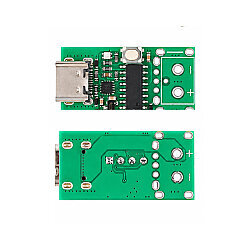
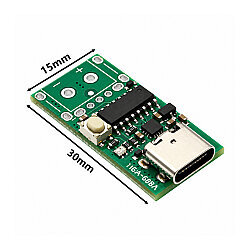
ZY12PDN Type-C PD2.0/PD3.0 9V/12V/15V/20V Fast Charge Trigger Module
ZY12PDN Type-C PD2.0/PD3.0 9V/12V/15V/20V Fast Charge Trigger Module
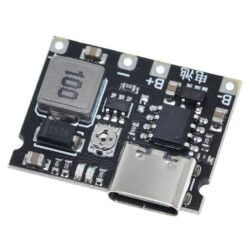
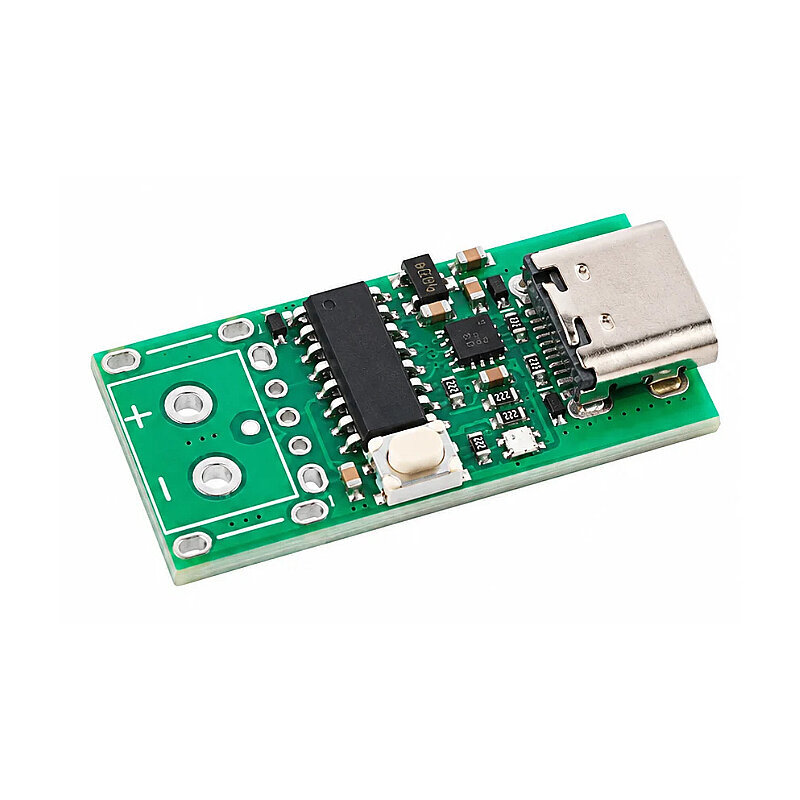
The ZY12PDN Type-C PD2.0/PD3.0 Fast Charge Trigger Module is a compact USB-C PD trigger module that allows you to obtain various DC voltage levels from USB Type-C Power Delivery-enabled adapters and power banks.
The module communicates with a compatible USB-C PD power supply to detect the power profiles supported by the source. You can switch between 5V, 9V, 12V, 15V, and 20V PD profiles using the onboard control button. An integrated RGB LED provides visual feedback on the selected operating voltage.
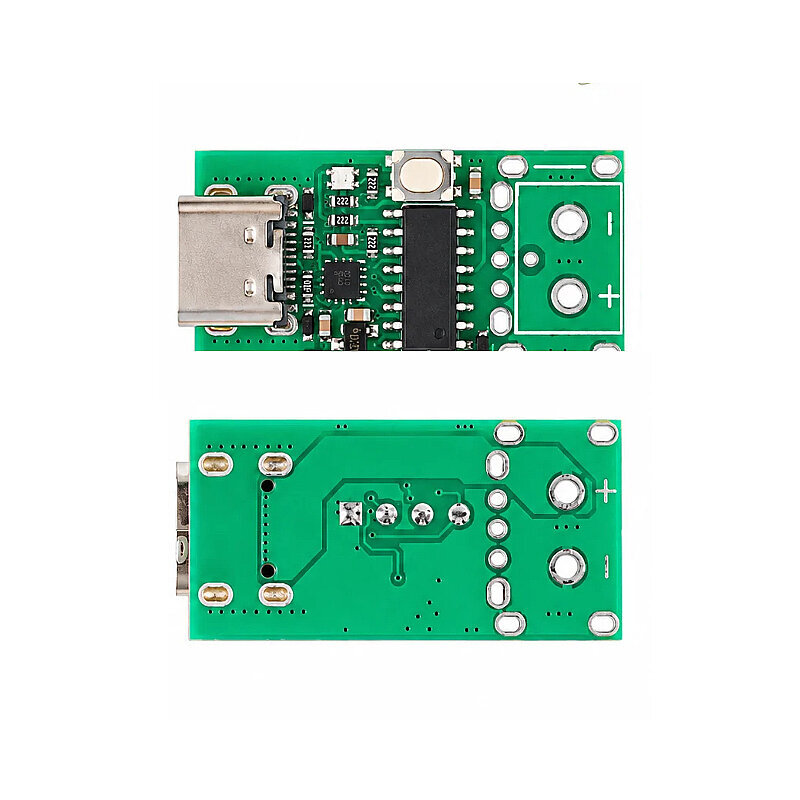
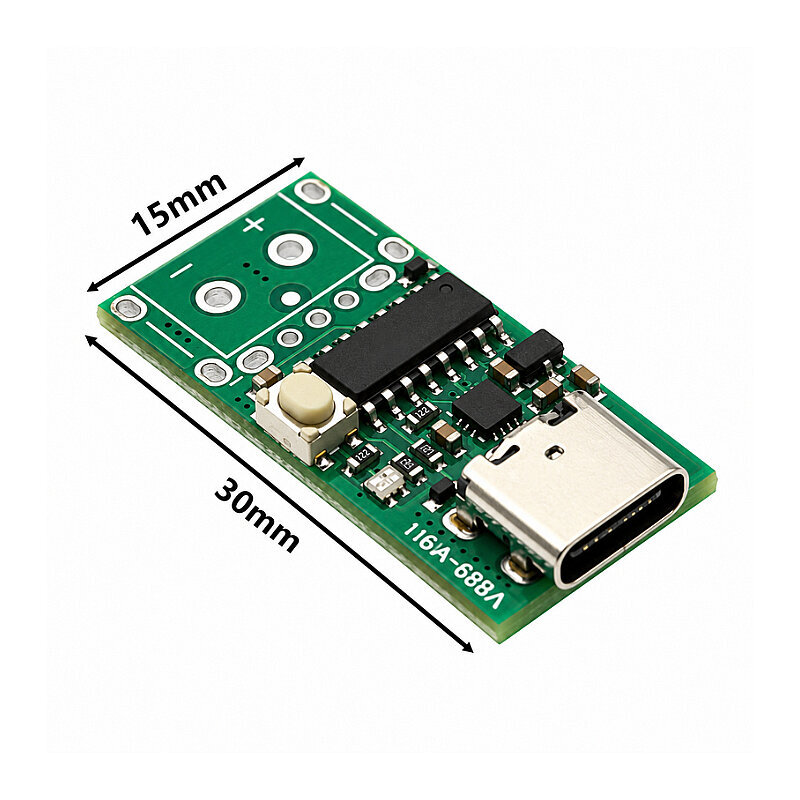
The open-pad output design makes it easy to embed the module into custom electronic projects. Wires can be soldered directly to the positive and negative output pads, or the board can be integrated onto another PCB.
Upon power-up, the ZY12PDN defaults to PD mode, and the indicator light turns solid red to show that the default 5V output is active.
If the adapter supports higher voltages, you can press the touch button to change the output voltage.If the adapter does not support PD mode, a connection timeout error occurs, or the adapter fails to respond, the colored lights will flash red.
Mode Setting
When the device is powered on, the colored lights flash once; the light color indicates the current operating mode. To enter setting mode, press and hold the button while powering on the device; release the button when the colored lights flash rapidly. In this mode, briefly press the button to change the light color, or long-press to save the setting (including the option to turn off the light).
Colored light colors and their corresponding functions:
Red: Voltage switching mode,
Yellow: Set to 8-10V range,
Green: Set to 11-13V range,
Green: Set to 14-16V range,
Blue: Set to 18-20V range,
Purple: Set to maximum voltage value,
White: Cycle through all supported voltage values (scanning).
Logic for selecting the maximum voltage value: If 5V, 9V, 20V, 20V, and 15V values are offered (broadcast), the system selects 20V. The highest value among those offered is applied; if there are multiple instances of the same highest value, the last one is used. Constant voltage range logic: For example, suppose you set a range of 14–16V and the available values are 5V, 14V, 16V, 15V, and 12V; in this case, the system selects 15V—meaning the highest voltage value within the specified range is applied.
Specifications
- Supply Voltage: 3–20V
- Current: 0–5A
- Supported Protocols: USB PD 2.0 / PD 3.0
- Input Connector: USB Type-C female
- Output Type: Solder pads
- Output Connection: Positive (+) and negative (-) DC output
- Selectable Voltages: 5V / 9V / 12V / 15V / 20V DC
- Voltage Selection: Via onboard button
- Voltage Indicator: Multi-color RGB LED
- Maximum Output Current: Up to 5A
- Maximum Power: Up to 100W