.png)


Making XOX Game with Arduino Tic Tac Toe
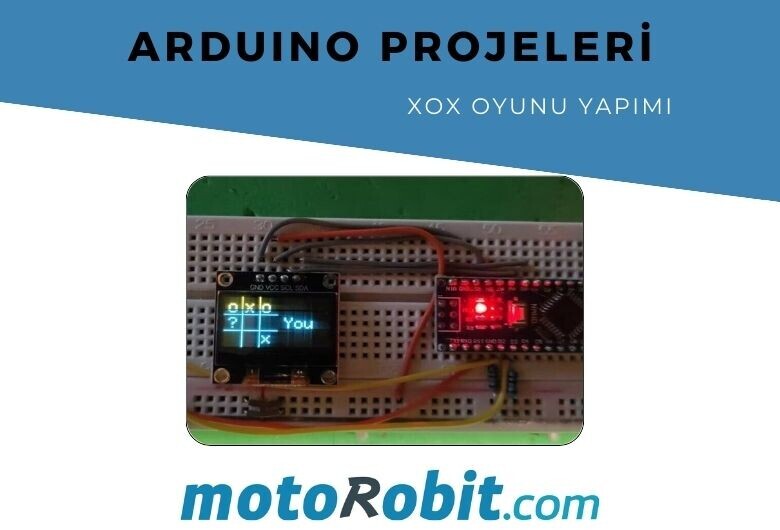
Arduino Tic Tac Toe Game Making (XOX Game), is one of the most fun projects that can be done with Arduino! We will explain the details such as the necessary materials, Arduino codes, connection diagram in an explanatory way. Let's see if you can beat artificial intelligence?
This is a very simple game to code and understand. You can create it with just two buttons! Moreover, you can do this project both with and without an OLED display. The idea here is to keep it as easy as possible to help beginners take their first steps in the Arduino world.
Necessary Materials
Push Button x2
These are the only materials needed. If you don't want to make the OLED version, only Arduino Nano is sufficient. By clicking on the required materials, you can reach the purchase pages.
Connection Diagram
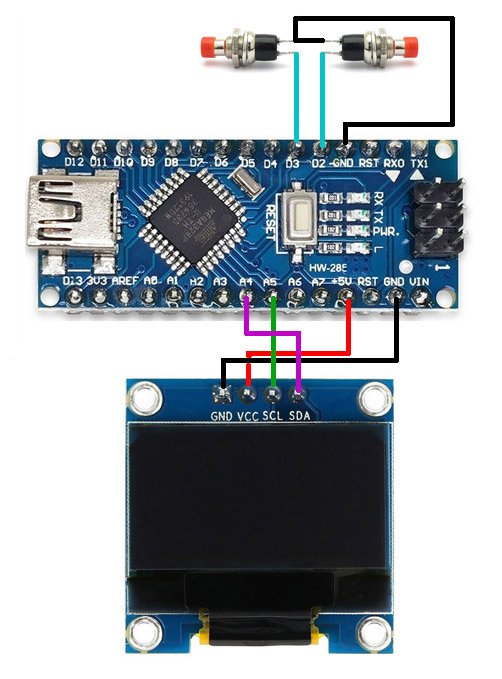
After completing the above connection, only the code loading process remains. If you want to use the OLED screen version, you need to install the Adafruit_GFX and Adafruit_SSD1306 libraries. To do this, open the Arduino IDE, go to Tools -> Manage Libraries menu, search for the libraries above, and install them. Then open the draft and upload it.
One of the buttons here is for selecting the square where we will make our move, and the other one allows us to make our move. If you think it will be easy to battle with Arduino codes, you are wrong. :)
Arduino Tic Tac Toe Game Making OLED Version Codes
If you are using an OLED screen in the Arduino Tic Tac Toe Game project, you can access the codes you need to download by clicking here.
Arduino Tic Tac Toe Game Making Serial Monitor Version Codes
If you are not using an OLED screen and want to play this game via serial monitor, you can access the necessary code by clicking here.
If you like this project, you can share it with your friends to reach more people. Visit our blog page to access similar projects!
Share
Blog Latest Additions
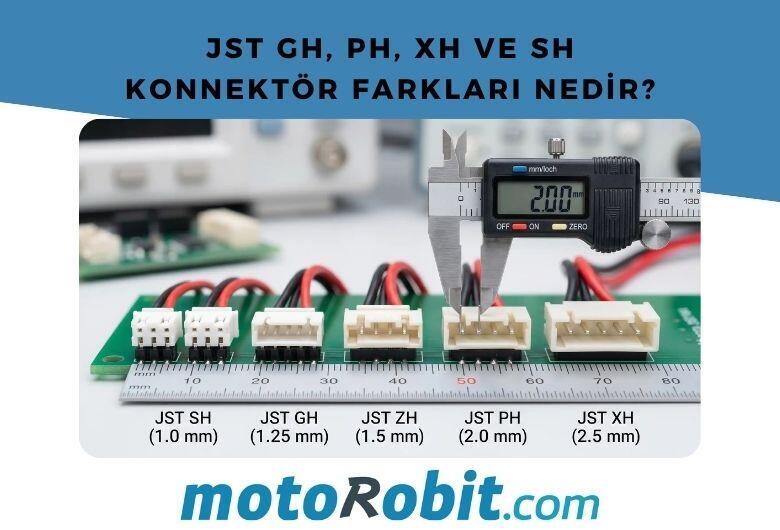
JST GH vs PH vs XH vs SH Connectors: Differences
27.06.2026

Low Level vs. What is High Level Trigger?
19.03.2026

The Code of Numbers on Drone Propellers: How to Read Propeller Measurements?
11.02.2026
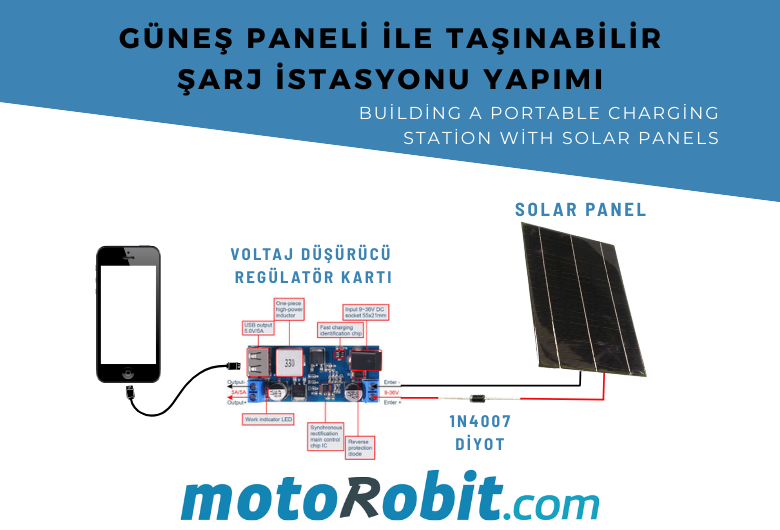
Building a Portable Charging Station with Solar Panels
10.01.2026
Differences Between Li-ion and Li-Po Batteries: Which Battery is Suitable for Which Project?
12.12.2025
MPU-9250: 9-Axis Acceleration Sensor - A Comprehensive Beginner's Guide
28.10.2025