.png)


Why Does a Stepper Motor Miss a Step? Current, Speed, and Load Settings
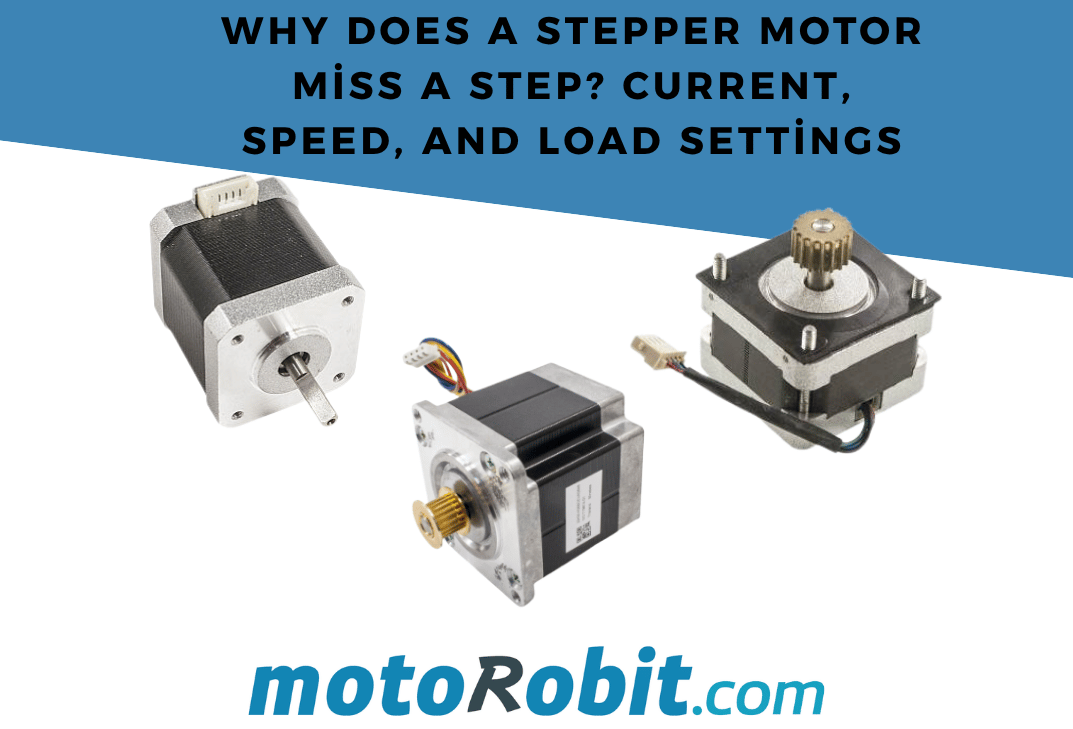
Why Does a Stepper Motor Miss Steps? Current, Speed, and Load Settings
Stepper motors are commonly used for precise position control in CNC systems, 3D printers, robotics projects, camera sliders, and industrial automation applications. However, you may occasionally encounter problems such as the motor making noise without rotating, failing to reach its target position, or gradually losing its position. This condition is generally known as missed steps.
In this guide, we will examine why stepper motors miss steps by focusing on motor current, speed, acceleration, mechanical load, driver settings, and wiring problems.
To find a suitable model for the torque and size requirements of your project, explore our stepper motors category.

What Are Missed Steps in a Stepper Motor?
A stepper motor moves by a specific angle with each pulse received from its driver. For example, a motor with a 1.8-degree step angle requires 200 full steps to complete one revolution.
A missed step occurs when the driver sends a movement command, but the motor cannot physically reach the commanded position. In an open-loop system, the controller does not verify whether the motor has actually completed the movement. For this reason, even a few missed steps can eventually result in a significant positioning error.
For example, if a CNC axis is expected to move 100 mm but the motor misses several steps, the cutting tool may deviate from the intended position. In a 3D printer, the same problem may appear as layer shifting.
1. The Motor Current May Be Too Low
The amount of torque a stepper motor can produce is closely related to the current flowing through its windings. If the current limit on the motor driver is set too low, the motor cannot generate enough torque and may miss steps under load.
The current limit must be adjusted correctly on drivers such as the A4988, DRV8825, and TMC series. On many stepper motor drivers, this adjustment is made using the Vref setting.
However, increasing the current excessively is not a solution. Excessive current can cause:
- The motor to overheat,
- The driver to enter thermal protection mode,
- Permanent damage to the driver,
- The power supply to become overloaded.
Check the rated current in the motor’s datasheet. The driver’s current limit should be adjusted within the safe operating range supported by both the motor and the driver. If the motor becomes excessively hot during extended operation, the current setting or mechanical load should be reviewed.
For compact projects, you can use the A4988 Stepper Motor Driver Board. For CNC and automation projects that require higher current, a more powerful driver such as the TB6600 Stepper Motor Driver may be more suitable.

2. Speed or Acceleration May Be Too High
The available torque of a stepper motor decreases as its speed increases. A motor may be able to move a specific load at low speed but fail to move the same load reliably at higher speeds.
Accelerating the motor directly to a high speed can prevent the rotor from following the rotating magnetic field. When this happens, the motor may vibrate, make noise, stall, or miss steps during part of the movement.
To reduce this problem:
- Reduce the maximum motor speed.
- Lower the acceleration setting.
- Accelerate the motor gradually instead of starting at full speed.
- Use a higher-torque motor or a more suitable driver when high-speed operation is required.
In systems with heavy moving platforms, belt mechanisms, lead screws, or robotic arms, the acceleration setting can be just as important as the maximum speed.
To configure microstepping and current settings more easily, you can use the A4988–DRV8825 Stepper Driver Control Module.

3. The Mechanical Load May Exceed the Motor’s Torque
As the load moved by a stepper motor increases, the required torque also increases. If the motor’s torque capacity is insufficient, missed steps may occur even when the current and speed settings appear to be correct.
Common conditions that increase the mechanical load include:
- Heavy moving platforms or carriage systems,
- Binding linear rails,
- Bent lead screws,
- Overtightened timing belts,
- A loose pulley on the motor shaft,
- An incorrectly sized shaft coupling,
- An unsuitable gear ratio.
Testing the motor without the mechanical load can help determine whether the problem is mechanical or electrical. If the motor operates correctly without a load but misses steps after the load is connected, excessive mechanical resistance or insufficient torque is likely the cause.
The strength and alignment of shaft couplings, belts, pulleys, and motor mounting components are essential for transferring torque efficiently. Loose connections can cause the mechanical system to lose position even when the motor itself is operating correctly.

4. The Power Supply May Be Insufficient
In a stepper motor system, both the supply voltage and the total available current are important. If the power supply cannot provide enough power, the driver’s supply voltage may drop and the motor may be unable to produce sufficient torque.
In CNC machines, 3D printers, and robotics projects that use multiple motors, the requirements of all motors should be considered. Motor drivers, controller boards, cooling fans, and other modules should also be included when calculating the total power requirement.
The voltage and current capacity of the power supply must remain within the operating range supported by the motor driver. Low-quality or undersized power supplies may experience voltage drops, especially during acceleration.
5. Microstepping Settings May Be Incorrect
Microstepping divides the full steps of a stepper motor into smaller increments, providing smoother and more precise movement. For example, a 1/16 microstep setting divides each full step into 16 smaller movements.
However, microstepping does not increase the motor’s maximum torque. A high microstep setting may provide smoother movement at low speeds, but it can make control more demanding at high speeds.
When changing the microstep setting, values such as steps per millimetre, steps per revolution, or movement distance must also be recalculated in the controller software. Otherwise, the motor may operate smoothly but move to the wrong position.
6. Resonance and Vibration Problems
Stepper motors can experience resonance within specific speed ranges. During resonance, the motor may vibrate, produce more noise, lose torque, and eventually miss steps.
To reduce resonance:
- Move the operating speed away from the problematic range.
- Use a smoother acceleration profile.
- Check all mechanical connections.
- Use a vibration damper when necessary.
- Consider a quieter motor driver with more advanced current control.
Mounting the motor on a surface that is either excessively rigid or too flexible can also transfer vibration throughout the mechanical system.
7. Check the Motor Wires and Coil Connections
The motor’s coil pairs must be connected correctly. Incorrect wire pairing can cause the motor to vibrate, rotate unpredictably, or fail to move.
A four-wire bipolar stepper motor contains two separate coil pairs. You can identify the wires belonging to the same coil by measuring continuity or low resistance with a multimeter.
When checking the wiring, keep the following points in mind:
- Connect each coil pair to the correct driver outputs.
- Check for loose connectors and damaged cables.
- Do not disconnect or reconnect motor wires while the motor is operating.
- Do not change motor connections while the driver is powered.
Changing the motor wiring while the driver is energised may damage the motor driver.
8. The Driver May Be Overheating
Stepper motor drivers generate heat while operating at high current. If the driver temperature becomes excessive, some models temporarily disable their output to protect themselves. When this happens, the motor may stop briefly and lose steps.
To prevent overheating:
- Install a suitable heatsink on the driver.
- Use a small cooling fan when necessary.
- Reduce the current limit to a safe level.
- Do not exceed the driver’s supported current rating.
- Check the temperature inside enclosed control boxes with limited airflow.
What Should You Do When a Stepper Motor Misses Steps?
You can follow this sequence to locate the source of the problem systematically:
- Disconnect the motor from the mechanical load and test it without a load.
- Check the voltage and current capacity of the power supply.
- Set the driver’s current limit according to the motor specifications.
- Reduce the maximum speed and acceleration, then test the system again.
- Inspect the belt, pulleys, shaft coupling, lead screw, and linear rails.
- Verify the motor’s coil pairs and cable connections.
- Check the driver temperature and add cooling if required.
- Change the operating speed if the motor experiences resonance.
Conclusion
Missed steps in stepper motors are not always caused by a single problem. Insufficient current, excessive speed, aggressive acceleration, a heavy mechanical load, an inadequate power supply, incorrect driver settings, and mechanical friction may all contribute to the issue.
Selecting the correct motor and driver, setting an appropriate current limit, using a sufficient power supply, and designing a properly aligned mechanical system are essential for obtaining accurate and reliable performance from a stepper motor.
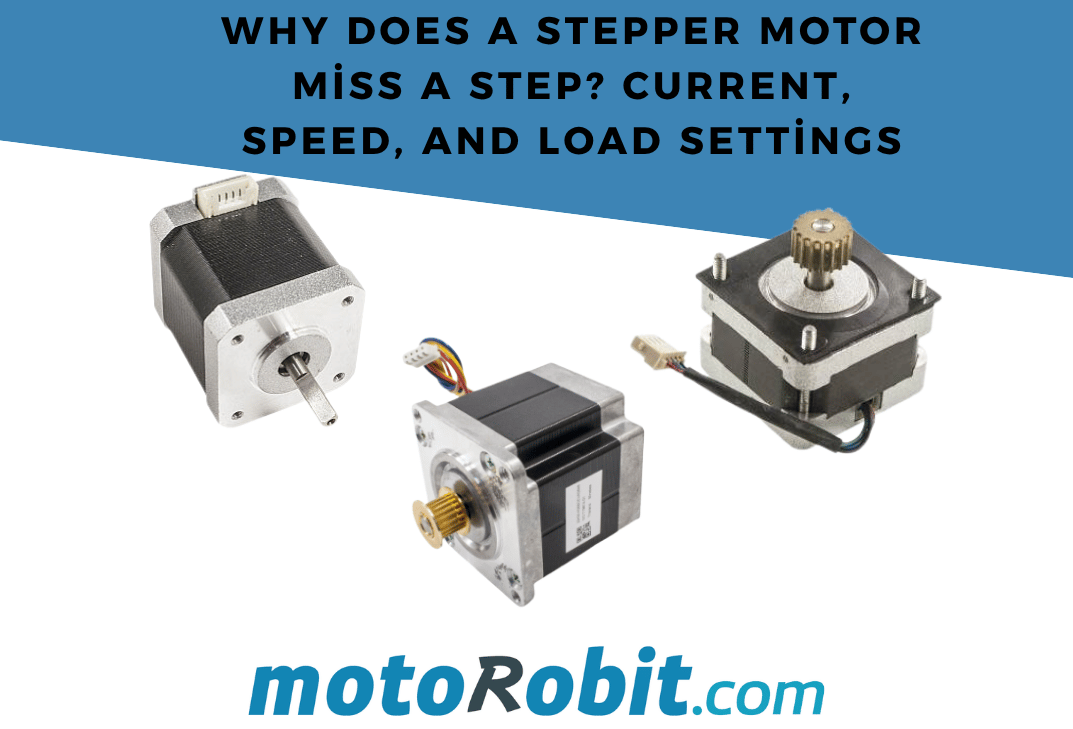
Why Does a Stepper Motor Miss a Step? Current, Speed, and Load Settings

How to Check Voltage, Amperage, and Connector Polarity When Choosing an Adapter?
How to Use the ST750E 750W Digital AC 3-Phase Motor Speed Control Module?
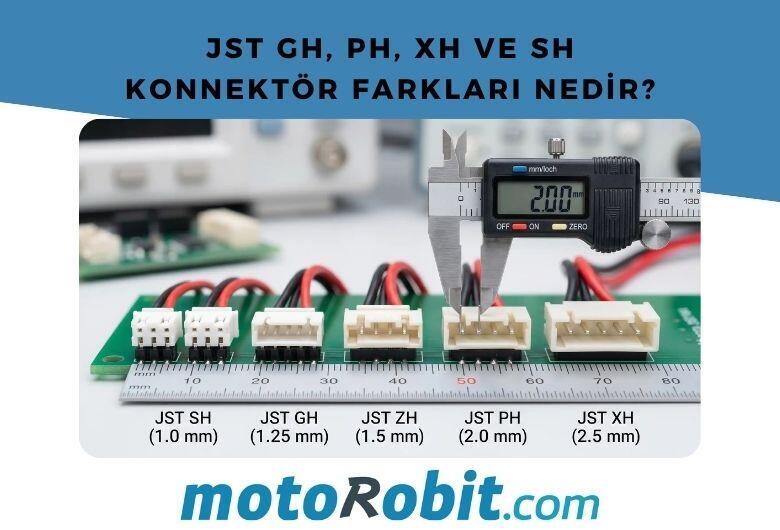
JST GH vs PH vs XH vs SH Connectors: Differences
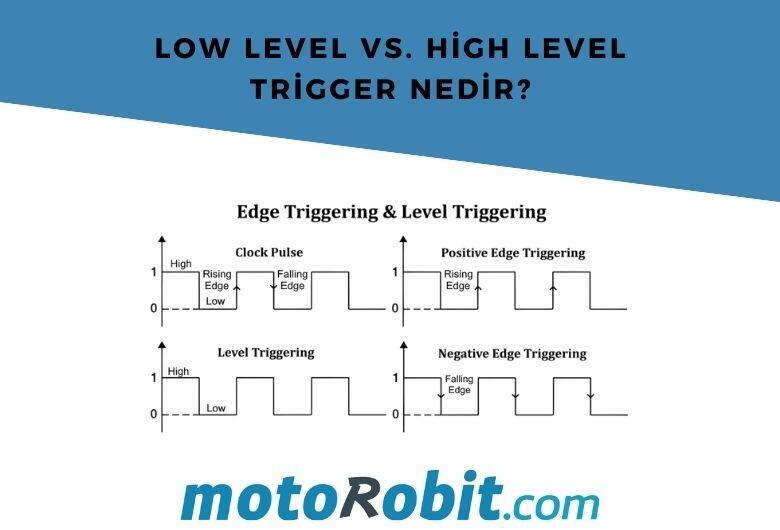
Low Level vs. What is High Level Trigger?