.png)


Low Level vs. What is High Level Trigger?
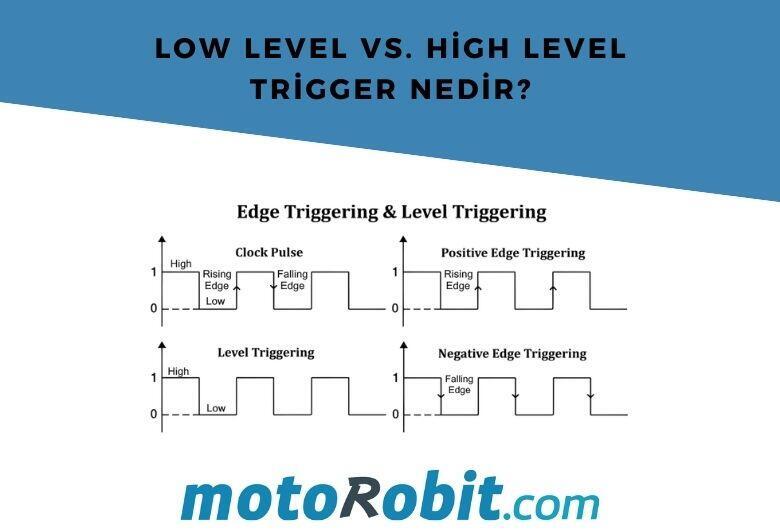
What is Triggering?
In simple terms, it’s the way we send an "ON" command to a circuit. You can think of it like pressing a switch. However, in microcontrollers (Arduino, ESP32, etc.), we don’t use our fingers—we use voltage signals sent from a digital pin.
1. High Level Trigger
This is the most intuitive method. The logic is simple: "If there is voltage, it works; if not, it stops."
Working Principle: To activate the relay (energize the coil), you need to apply a positive voltage (+5V) to the signal input (IN pin).
State:
- Signal HIGH (5V) → Relay ON
- Signal LOW (0V) → Relay OFF
2. Low Level Trigger
This is where things get a bit confusing! The logic works in reverse.
Working Principle: To activate the relay, you need to pull the signal input down to ground (GND / 0V).
State:
- Signal LOW (0V) → Relay ON
- Signal HIGH (5V) → Relay OFF
Scenario A: Using a High Level Trigger Relay
When you write digitalWrite(relayPin, HIGH); in your Arduino code, you’ll hear that familiar "click" from the relay, and the connected lamp turns on. The code and the physical world behave exactly as expected.
Scenario B: Using a Low Level Trigger Relay
Many ready-made relay modules (especially those with optocouplers) are designed as Low Level Trigger. In this case, to turn on the lamp, you need to write digitalWrite(relayPin, LOW); in your code.
Why Use Low Level?
It is often preferred in professional designs because it offers better noise immunity and allows the microcontroller to "sink current" rather than source it, which is generally safer.
Which One Should I Use?
This completely depends on the module you have. Most relay modules include a small jumper. By changing its position, you can configure the same board to work as either Low Level or High Level Trigger.
| Feature | High Level Trigger | Low Level Trigger |
| Active Signal | 5V (Logic 1) | 0V (Logic 0) |
| Idle State | Usually 0V | Usually 5V |
| Common Usage | Beginner hobby boards | Industrial and optocoupler-based modules |
A Small Tip
If your relay triggers automatically when the Arduino powers up (before your code even runs), you are most likely using a Low Level module. To fix this, don’t forget to set the pin to HIGH immediately after defining it as an output inside the setup() function.
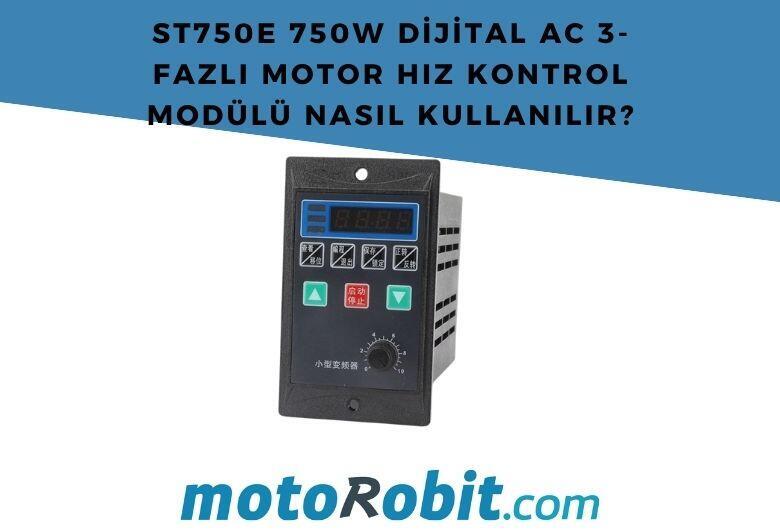
How to Use the ST750E 750W Digital AC 3-Phase Motor Speed Control Module?
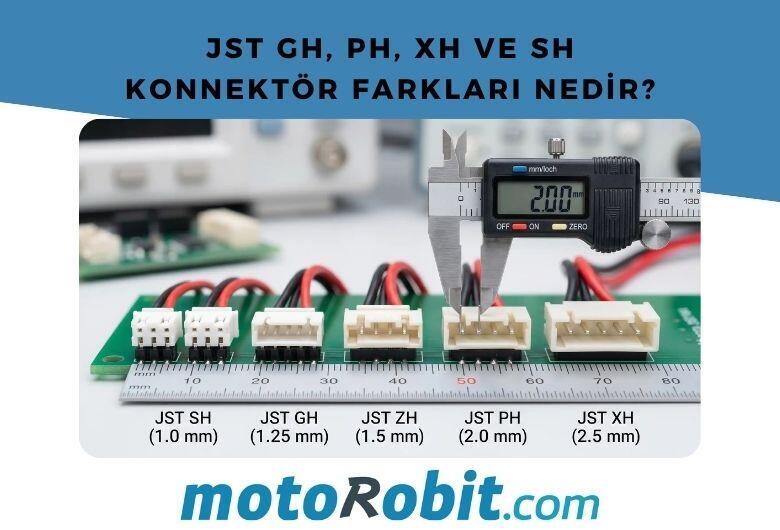
JST GH vs PH vs XH vs SH Connectors: Differences
Low Level vs. What is High Level Trigger?

The Code of Numbers on Drone Propellers: How to Read Propeller Measurements?
Building a Portable Charging Station with Solar Panels